About Course
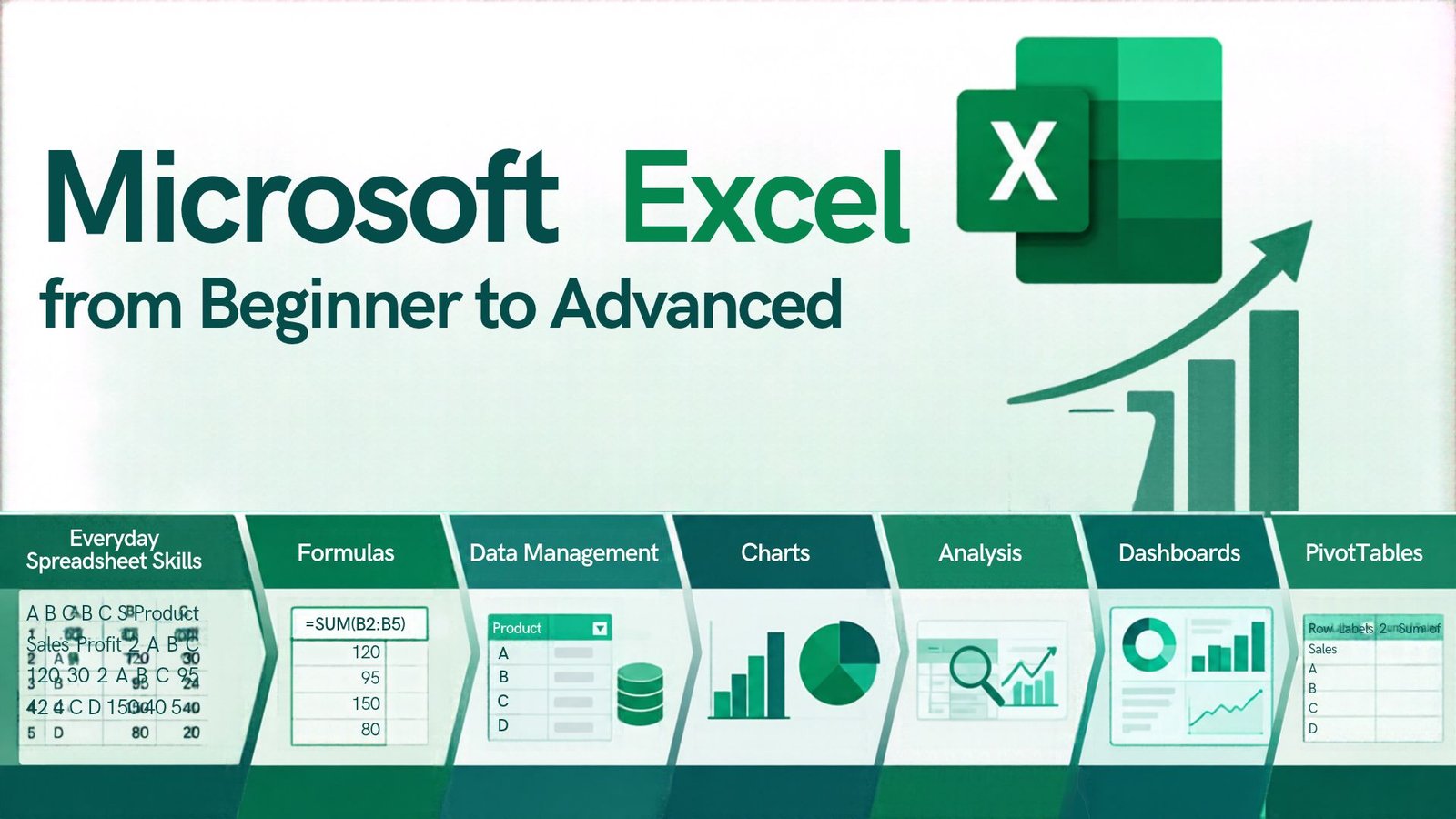
Build practical Microsoft Excel skills from the ground up. This course takes you from the Excel interface and everyday data entry to formulas, data management, analysis, charts, and PivotTables.
You’ll learn to create and format professional spreadsheets, use essential functions and lookups, prepare worksheets for printing, clean and organize datasets, and turn data into clear reports and visualizations. The course also covers logical, date, time, and text functions, What-If Analysis, dashboards, and interactive PivotTable features.
By the end, you’ll be able to work confidently with Excel data and create useful spreadsheets, analyses, and reports.
Course Content
Module 1: Introduction to Microsoft Excel
-
Introduction to Microsoft Excel
-
Understanding the Excel Interface